

Bunnyhop in CS:GO
 14079
14079


Bunnyhop is a way of jumping from side to side that makes it possible to speed up your moving in the game. This ability enables fast getting around the map which helps us to occupy the key positions before opponents do it as well as gives you a chance to leave a disadvantageous position with lowered risks of being killed. The method came to us from version 1.6 and it is still relevant: lots of players use it at high levels of the game.
How to activate bunnyhop in CS:GO?
There are two ways of activating bunnyhop, the first one is automatic - while using a console various commands even though you will get banned on official Valve servers for doing it, you can use this feature on your own or users’ servers. The second way of activating bind settings of the mouse is available in competitive modes, and you can easily use it wherever you want.
Console commands of bunnyhop in CS:GO
The article gives you some information about how to set a console. The list of console commands includes:
- sv_autobunnyhopping 1 — bunnyhop is activated if you hold the spacebar
- sv_enablebunnyhopping 1 — activation of bunnyhop
- sv_staminalandcost 0 — for saving stamina
- sv_staminajumpcost 0 — almost the same as the command above (not to waste stamina)
- sv_maxspeed 1000 — regulates the speed of moving around
A bind mouse is done with the help of the following manipulations:
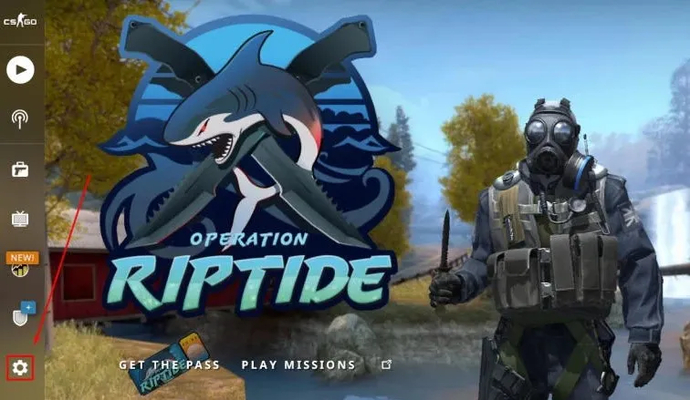
- Start the game and find settings there
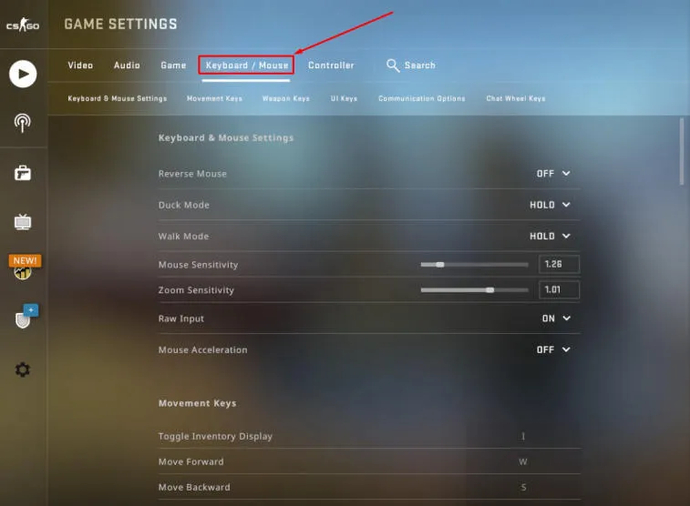
- Go to the section keyboard/mouse
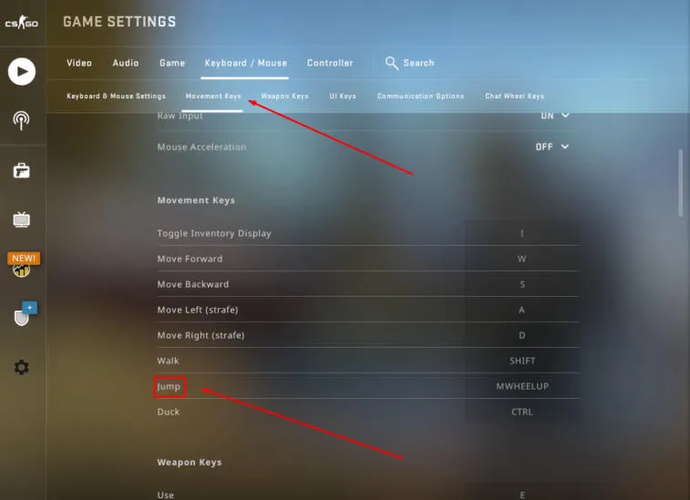
- When the window appears, you should find “jump” and when you click it, you scroll down or up (as you like it) and now when you scroll the wheel, you will jump
Alternative method of activation:
- Run the game and turn on the console with the button «~»
- There you will have to put in the following commands - bind «mwheelup» +jump» while scrolling the wheel of the mouse a jump will be done, bind «mwheeldown» +jump for a jump while scrolling down.
Maps for training bunnyhop
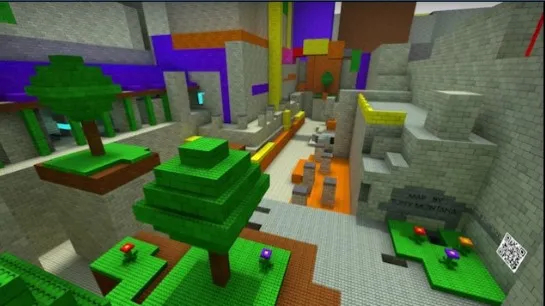
In the Steam workshop you can find several maps which will help you to master this ability of moving around:
- Bhop_sqee_csgo
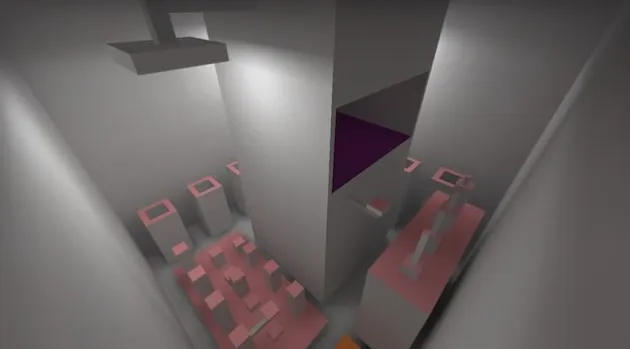
- Bhop_Monster_Jam
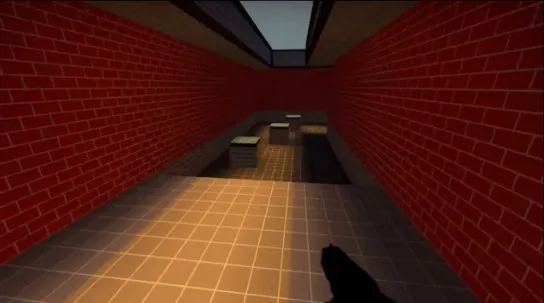
- Bhop_elements
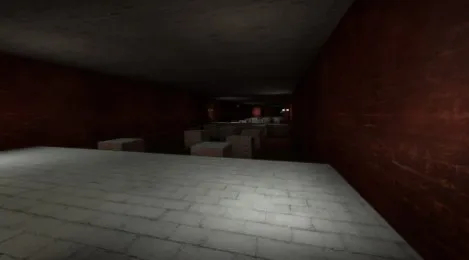
- Bhop_Horseshit_3

- Bhop_lego2

Maksym har arbetat på EGamersWorld sedan 2017. Han började på företaget under sitt första år på universitetet och arbetade som översättare fram till 2022. Efter det började Maksym arbeta som redaktör. Hans huvudsakliga disciplin är Dota 2, och med tiden utvidgades Maksyms ansvar till att omfatta CS:GO, CS2 och Valorant. Som redaktör publicerar han dessutom olika material om spelämnen.



 Crimson Desert bästa sköldar - rankad lista och hur man får S-Tier-utrustningEn komplett guide till de bästa sköldarna i Crimson Desert. Jämför basstatistik, lär dig om unika bonusar och ta reda på var du kan få tag på försvarsutrustning i toppklass till din karaktär.
 Chillplay
 Hur man får Rhonid Large Shield i Crimson DesertLetar du efter den stora Rhonid-skölden? Följ vår Crimson Desert-guide för att smyga in i Lioncrest Manor och ta tag i denna unika sköld för högt försvar och rörlighet.Chillplay
 LCK CUP 2026 Omgång 1-2: Komplett laguppställningUpptäck den ultimata maktrankingen för LCK Cup 2026 omgångar 1-2. Se var Gen.G, T1 och andra koreanska lag placerar sig i vår detaljerade nivålista när de kämpar för en plats på MSI.Chillplay
 Marvel Rivals-uppdatering: Karta över nedre ManhattanDen 2 april 2026 fick Marvel Rivals en ny uppdatering. Det viktigaste tillägget är Lower Manhattan-kartan.
  stawraith
 #41
#41 ODDIK#492
 Fake do BiruTitta på matchen